Contact Info

 Odoo Consulting
What does an Odoo consultant do?
An Odoo consultant helps a business implement Odoo, a modular ERP that runs accounting, sales, purchasing, inventory, manufacturing, HR and more on one database. As an independent Odoo consultant, I map how your business runs, choose the right apps, edition and hosting model, configure them around real processes, and limit custom development to where it is genuinely justified. I also handle upgrades, migrations, integrations and reviews of existing setups.
Last reviewed by Vikas Saroj
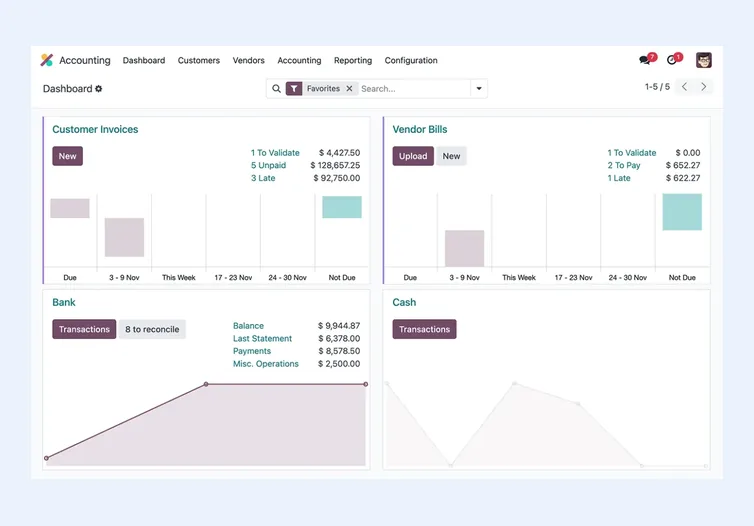
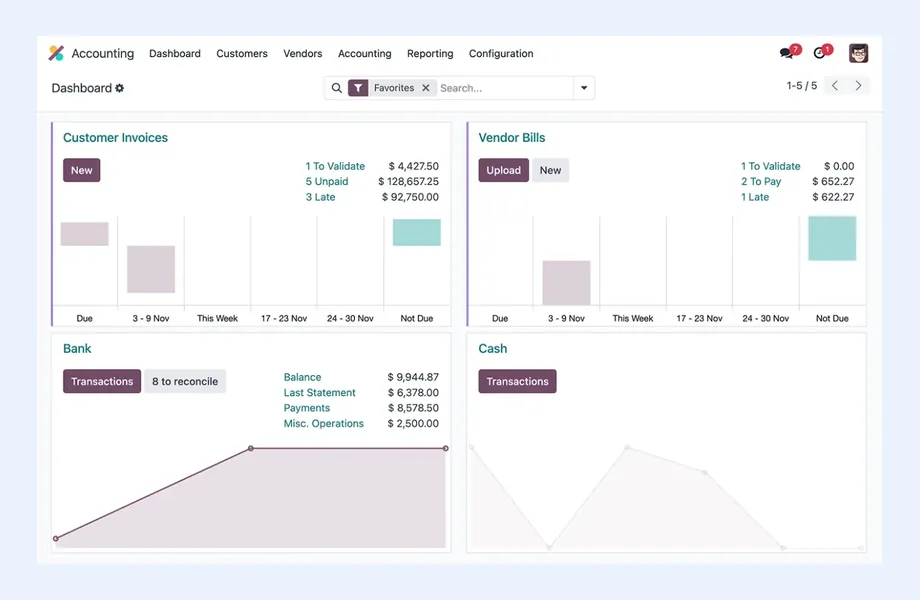
Odoo is a modular, open-source-based ERP that can run accounting, sales, purchasing, inventory, manufacturing, HR, projects and ecommerce on one database. That makes it a strong option for growing businesses, but only if the modules are configured around real processes and customization is kept under control.
As an independent Odoo consultant, I start by understanding how your business actually runs, then decide which Odoo apps you need, which edition and hosting model suit you, and where configuration is enough versus where custom development is genuinely justified. The aim is an ERP your team understands and can keep improving.
I work remotely with companies worldwide on new Odoo implementations, version upgrades, migrations from spreadsheets and other ERPs, and reviews of existing Odoo setups that are not delivering what they should. Each engagement starts with the same question: how does your business actually work today?
 What I Do
I cover the full Odoo lifecycle, starting with business analysis and ending with a system your team can run confidently.

Process mapping and requirements gathering before any configuration, so we know exactly which Odoo apps you need, how they should work together and where your processes differ from standard Odoo flows.

Independent advice on module selection, Community versus Enterprise, hosting options and fit-gap analysis, so you make informed decisions before committing budget and time to an implementation.

Structured rollout of Odoo ERP covering configuration, master data, user access rights, testing, training and go-live support, phased where needed so the business keeps running smoothly.

Chart of accounts, taxes, fiscal positions, multi-currency, bank reconciliation and reporting in Odoo Accounting, set up with your finance team and local accountant to reflect how you close the books.

Warehouses, routes, reordering rules, lot and serial tracking, bills of materials, work centers and manufacturing orders configured to match how goods actually move through your operation.

Pipelines, quotations, pricelists, approvals and purchase flows in Odoo CRM, Sales and Purchase, connected end to end so a won deal flows cleanly into delivery, invoicing and replenishment.

Custom modules, fields, views, reports and business logic in Python and XML, or Odoo Studio where it is sufficient, built to survive upgrades and documented for whoever maintains them next.

Connecting Odoo with ecommerce platforms, payment providers, shipping carriers, banks, CRMs and internal systems through Odoo's APIs and connectors, with error handling and clear data ownership.

Moving between Odoo versions, from Community to Enterprise, or from other ERPs and accounting systems into Odoo, with data mapping, custom module porting, test migrations and reconciliation.

Employees, leave, timesheets, projects, task planning and field service operations in Odoo, configured so delivery and people data connect directly to billing, project costing and payroll inputs.
How I Work
Understand processes before choosing modules
 Process mapping workshops
Fit-gap analysis against standard Odoo
Edition and hosting recommendation
Documented scope and priorities
Process mapping workshops
Fit-gap analysis against standard Odoo
Edition and hosting recommendation
Documented scope and priorities
Configure, customize and connect
Module configuration
Custom development where justified
Integrations with existing systems
Data migration test runs
User acceptance testing
Go live and stabilize
Cutover planning and go-live
Role-based user training
Post-launch support and fixes
Upgrade and improvement roadmap
Odoo's main strength is breadth on a single database. Sales, purchasing, inventory, manufacturing, accounting, projects, helpdesk, HR and eCommerce can all run in one system, with records linked natively rather than synchronized between separate apps. As a freelance Odoo consultant, I find it works especially well in a few situations.
Odoo usually fits well when:
Odoo may not be the best fit when:
For organizations already invested in Microsoft tools or with more complex finance, I also compare Odoo with Microsoft Dynamics 365. If cost control and open source are the priority, ERPNext is worth evaluating alongside it.
Odoo comes in two editions, and the choice affects features, hosting and long-term cost.
Community can be a sensible option for businesses with in-house technical capacity and simpler requirements, especially where third-party modules fill the gaps. Enterprise usually makes more sense where finance, compliance and ongoing support matter. Feature sets change between versions, so I check the current edition comparison on odoo.com against your requirements rather than relying on assumptions.
The edition decision should come after the business analysis, not before. Once I know which processes Odoo must support, the right edition usually becomes clear. If Odoo is not the right fit at all, I will tell you and compare it with alternatives, as covered in Zoho vs Odoo and Odoo vs ERPNext.
Where Odoo runs matters as much as which edition you choose, because it determines how far you can customize and who looks after the servers.
| Option | What it is | Good fit when |
|---|---|---|
| Odoo Online | Odoo's own SaaS, hosted and maintained by Odoo | Standard apps and Studio customizations are enough; no custom code modules |
| Odoo.sh | Odoo's cloud platform for Enterprise, with Git-based development and staging environments | You need custom modules but want managed hosting |
| On-premise or private cloud | Odoo installed on your own servers or cloud infrastructure | You need full control, run Community, or have specific data residency needs |
Odoo Online is the simplest to run but does not allow custom Python modules. Odoo.sh supports custom code with managed infrastructure. Self-hosting gives the most control but makes you responsible for security, backups, performance and upgrades. I help you weigh these trade-offs against your customization needs, compliance requirements and internal IT capacity before anything is installed.
Odoo implementations go well when business analysis comes before module installation. My approach follows a consistent path.
Reporting is designed alongside the processes. Odoo's built-in reports and dashboards cover many needs, and I plan which analytical dimensions must be captured on transactions so management reporting works from day one. Where a project has already gone wrong, ERP recovery applies the same structure to stabilize it.
Odoo releases new major versions regularly, and moving between them is a real project, not a button click. Standard data can usually be migrated through Odoo's upgrade process for Enterprise customers, but custom modules and third-party apps need to be reviewed, ported and tested against the new version. I plan upgrades with a test migration first, check reports, balances and workflows, and only then schedule the production cutover.
Migration from other systems, such as spreadsheets, older accounting software or another ERP, follows a similar discipline. We decide what history to bring across, map fields and records, clean duplicates, agree on opening balances and stock quantities with your finance and warehouse teams, and reconcile after each test load. My ERP migration checklist outlines the key steps.
The same principle runs through every Odoo project I take on: business first, technology second. Customization is kept to what genuinely adds value, because every custom module is something that has to be maintained and upgraded later. For a full walkthrough, see my Odoo implementation guide.
Odoo is a capable platform, but an honest assessment includes its limitations. These are the points I raise with every client considering it.
Understanding these early lets you design around them: keep customization disciplined, choose the right edition and hosting, and check localization before committing. If an existing Odoo setup has drifted into problems, an ERP health check is a sensible first step.

Tell me about your business and current systems. I’ll suggest the most sensible first step.
Book a Consultation
Not sure which ERP you need?
Share your business requirements with me and I will help you understand the right process, architecture and platform before implementation.
Platforms
 By Country
Pages written for each market: local tax, e-invoicing, data hosting, migration sources and how the work runs remotely there.
FAQ
No. I work as an independent Odoo consultant, not as an official Odoo partner. My recommendations are based on what fits your processes. You can buy Odoo Enterprise subscriptions directly from Odoo or through any channel you choose, and I focus on analysis, configuration, customization, integration and migration.
Only to a point. Odoo Online supports configuration and Odoo Studio customizations, but it does not allow installing custom Python modules. If your requirements need custom code, Odoo.sh or an on-premise or private cloud deployment is usually the right path. I assess this during the fit-gap analysis so there are no surprises later.
Yes. I review your current version, custom modules and third-party apps, then plan a test migration to the target version. Custom code is ported and tested, reports and balances are checked, and the production upgrade is scheduled once the test results are signed off by your team.
Odoo Manufacturing covers bills of materials, routings, work centers, manufacturing orders and quality steps, and it links directly to inventory, purchasing and accounting. It suits many discrete manufacturers well. Highly specialized processes may need customization or a different system, which I assess during discovery. See my ERP for manufacturing article for more context.
The main cost drivers are the number of apps and processes in scope, the edition and hosting model, how much custom development is needed, the number of integrations, the volume and quality of data to migrate, and the level of training and post-launch support. I do not quote fixed prices before understanding these.
Every business is different. Share where you are today and what you want to fix, and I’ll tell you honestly whether and how I can help.
Book a Consultation
Insights
 Book a Consultation
Book a consultation to talk through your processes, systems and goals. I’ll reply with practical next steps - no obligation.