Contact Info

 Zoho One in Qatar
How should a Qatar company roll out Zoho One?
A Qatar company should roll out Zoho One around how it wins and delivers contracts: CRM, Sign and WorkDrive for bids and contract documents first, then Books and Projects for delivery and billing, with People and Creator later. Access should follow each project, site roles should be licensed only where they truly need an app, and estimating, planning and payroll tools stay connected outside the bundle.
Last reviewed by Vikas Saroj
Many Qatari companies that look at Zoho One earn their living from contracts: MEP subcontractors, fit-out firms, engineering consultancies, facility operators and the suppliers behind them. Their week is shaped by bid deadlines, consultant submittals, site progress and payment applications, and their software has grown one tool at a time to keep up.
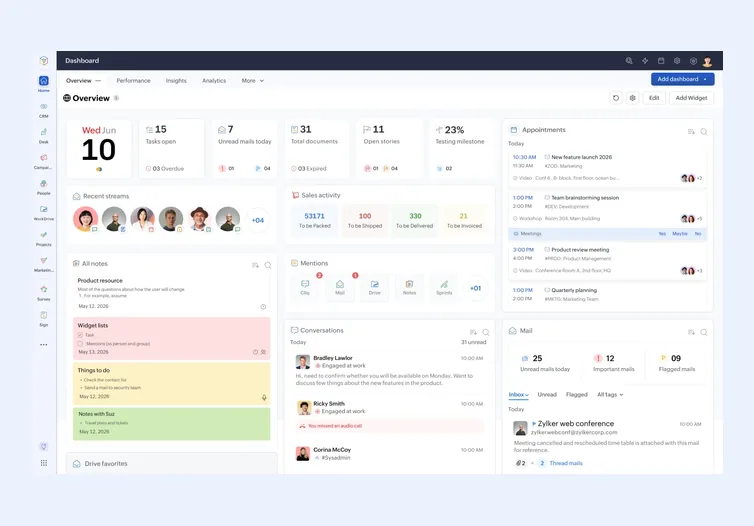
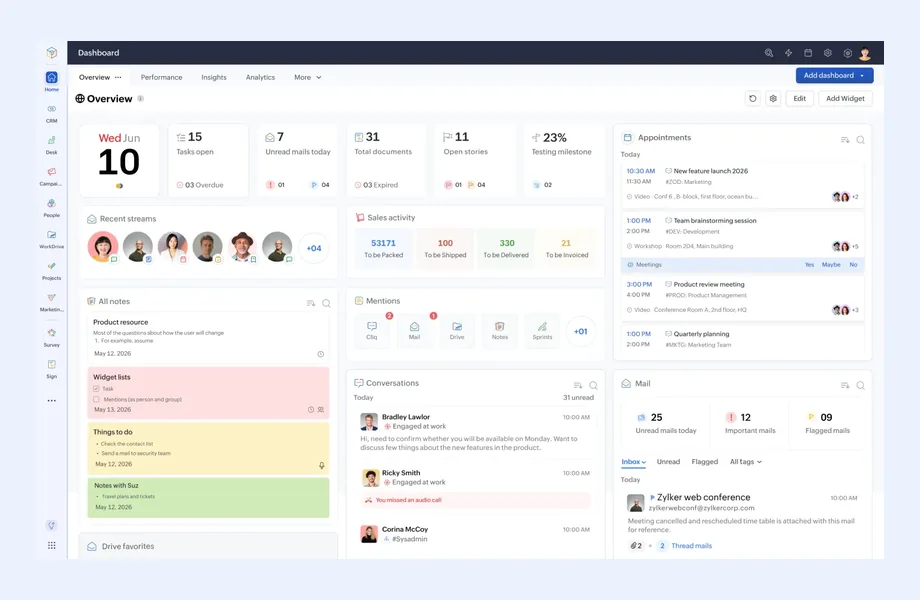
Zoho One promises to replace that collection with a single subscription. Whether it does depends on rollout order, on giving project teams access that begins and ends with each contract, and on being honest about which specialist tools stay. I work remotely with Qatari owners, commercial managers and finance heads on exactly those questions.
Corporate tax structure, QFC entities and contract costing inside Zoho Books are covered on my Zoho page for Qatar. This page is about the bundle itself: which apps come first, in what order the rest follow, who receives an account, and which existing tools keep their place beside it.
 Zoho One Services
Contract-driven firms need the bundle arranged around projects rather than departments. These are the pieces I usually deliver.

Zoho CRM arranged around invitations to bid rather than generic leads: the inviting main contractor or consultant, submission deadline, bid value, clarifications and award status, so commercial staff see every live bid in one list.

Zoho WorkDrive folders and Zoho Sign templates for subcontracts, variation instructions and handover packs, with folder rights tied to the project team and a rule for what is kept only on the client's own portal.

Directory groups set up per contract so engineers, quantity surveyors and supervisors gain the right records when they join a job and lose them when it closes, with a checklist wherever an app needs manual steps.

A sequenced plan that brings Books and Projects in once the bid and contract layer is stable, then People, Creator site forms and dashboards, each wave closed by testing with the people who will use it.

A matrix of office, site and field roles against the apps each one needs, so the commercial conversation with Zoho starts from real usage rather than total headcount on the payroll.

Buyer-side review of a Zoho firm's plan for your account: wave scope, access design, custom functions and the handover documents your administrator will need to maintain the setup.
How I Work
Contracts, roles and current tools
 Live and pipeline contracts
Office, site and field roles
Tools used by each team
Documents exchanged with consultants
First wave scope
Live and pipeline contracts
Office, site and field roles
Tools used by each team
Documents exchanged with consultants
First wave scope
Bid and contract layer live
CRM bid register
WorkDrive project folders
Sign templates for subcontracts
Project-based directory groups
Testing with commercial staff
Delivery, billing and people apps
Books and Projects wave
People for leave records
Creator forms for sites
Access review at project close
Most Zoho One plans I review in Qatar are written around finance, because accounting pain is the most visible. For a contracting or engineering business I usually suggest starting one step earlier, at the point where work is won and committed. A first wave that captures bids and contract documents gives every later app something reliable to build on.
That first wave typically contains:
The second wave brings Zoho Books and Zoho Projects into delivery and billing, which is where the costing design on my Qatar Zoho page applies. Zoho People, Creator forms for site requests and management dashboards follow once project codes are stable. Trading and supply companies in Qatar reverse part of this order and start with CRM, Books and stock, but the principle holds: begin where commitments are made, not only where they are finally recorded.
Qatari project businesses staff up and down by contract. An MEP firm may bring in a project manager, a planning engineer and several supervisors for one job, then reassign or release them at handover. If Zoho One access is managed person by person, former project staff keep reading folders and records long after they should.
I design identity around the project instead:
Who holds the super administrator role is a decision for the owners, not the implementer. I recommend a named internal administrator with a deputy, plus a simple log of access changes that an auditor could follow without help.
Headcount at a Qatari contractor is usually dominated by craft workers and laborers who will never open a business app. Foremen, storekeepers and supervisors sit in between: they might record a delivery, a timesheet or a snag on a phone, or they might need nothing at all if a site engineer captures the information for them.
Before any commercial conversation with Zoho, I build a plain matrix with each role down the side, each planned app across the top, and a realistic note of how often that role would use it. The matrix answers three practical questions:
Zoho revises its Zoho One terms from time to time, so I compare the matrix with whatever is on the table, alongside the alternative of subscribing to a handful of individual apps. I have no license to sell, and the commercial terms remain between you and Zoho. My contribution is making sure the numbers you negotiate with describe how your company actually works.
A credible Zoho One plan for a Qatari project business lists what will not move into the bundle, and how each of those systems touches it:
One check is specific to a bundle. Your account lives in one Zoho data center, and the apps and features offered can vary from one center to another. Before a later wave is promised to a department, confirm that the app it depends on is available where your account is hosted. I add that confirmation to the roadmap so nobody plans around an app you cannot switch on.
I would rather tell a Qatari business early that Zoho One does not suit it than help it pay for a bundle nobody uses. The situations I raise most often:
A short ERP evaluation tests these points against your own contracts and staff. For the wider sector view, see construction ERP in Qatar; for platform choice and remote working within your week, my ERP consultant Qatar page and the Qatar overview. The general rollout method sits on the global Zoho One page.

Tell me about your business and current systems. I’ll suggest the most sensible first step.
Book a Consultation
Not sure which ERP you need?
Share your business requirements with me and I will help you understand the right process, architecture and platform before implementation.
FAQ
Usually Zoho CRM as a bid register, Zoho WorkDrive for project folders and Zoho Sign for subcontracts and approvals. Books and Projects follow for delivery and billing once bids and contracts are captured consistently. A supply or trading business would normally start with CRM, Books and stock instead.
They can receive shared links, often with expiry dates, or portal access in some apps, without becoming internal users. I define what each external party may see per project and check that access is removed at handover, so drawings and commercial documents do not stay open indefinitely.
Only if they will use an app regularly. I list each site role, the task it would perform and how often, then compare that with the licensing options available to you. Sometimes one supervisor submitting a Creator form covers a whole crew, and nobody else on site needs an account.
Normally no. Planning programs required by consultants, and specialist estimating tools, usually stay where they are. Zoho Projects can mirror milestones for billing and reporting, and CRM holds bid values and award status, so the bundle connects to those tools rather than replacing them.
Every business is different. Share where you are today and what you want to fix, and I’ll tell you honestly whether and how I can help.
Book a Consultation
Insights
 Book a Consultation
Book a consultation to talk through your processes, systems and goals. I’ll reply with practical next steps - no obligation.